

The modern digitalized world moves at a very high pace and this makes the handling of paperwork organized. It is becoming more and more difficult to keep all the documents arranged physically, starting with academic certificates and office files, to personal records and financial documents. This is why, in the present days, a great number of people and companies prefer to keep their documents in electronic form rather than on paper.
With the digital storage of documents, you reduce paper mess, the files are easier to access; and vital records are not damaged physically. Documents on papers may be lost because of fire, damage by water, or simply lost. Digital storage can be seen as a viable option to consider as you can access files faster and operate them more easily.
Nonetheless, one should not just scan and save files on a device. If you want to store documents digitally the right way, you need a clear system, proper organization, regular backups, and secure storage solutions. This article outlines eight easy and sure ways into a step-by-step approach of how to go about constructing an effective digital document system.
What Does It Mean to Store Documents Digitally?
Digitization of documents implies converting paper or electronic documents into a properly structured digital format and storing it securely on the computer, cloud server, or external storage.
This process includes:
Scanning paper documents
Storing documents in appropriate formats (PDF, DOCX, etc.)
Categorizing files in folders
Naming files properly
Backing up data regularly
Securing confidential data
Properly, digital storage enhances efficiency, accessibility and permanent handling of documents.
Advantages of Understanding How to Store Documents Digitally
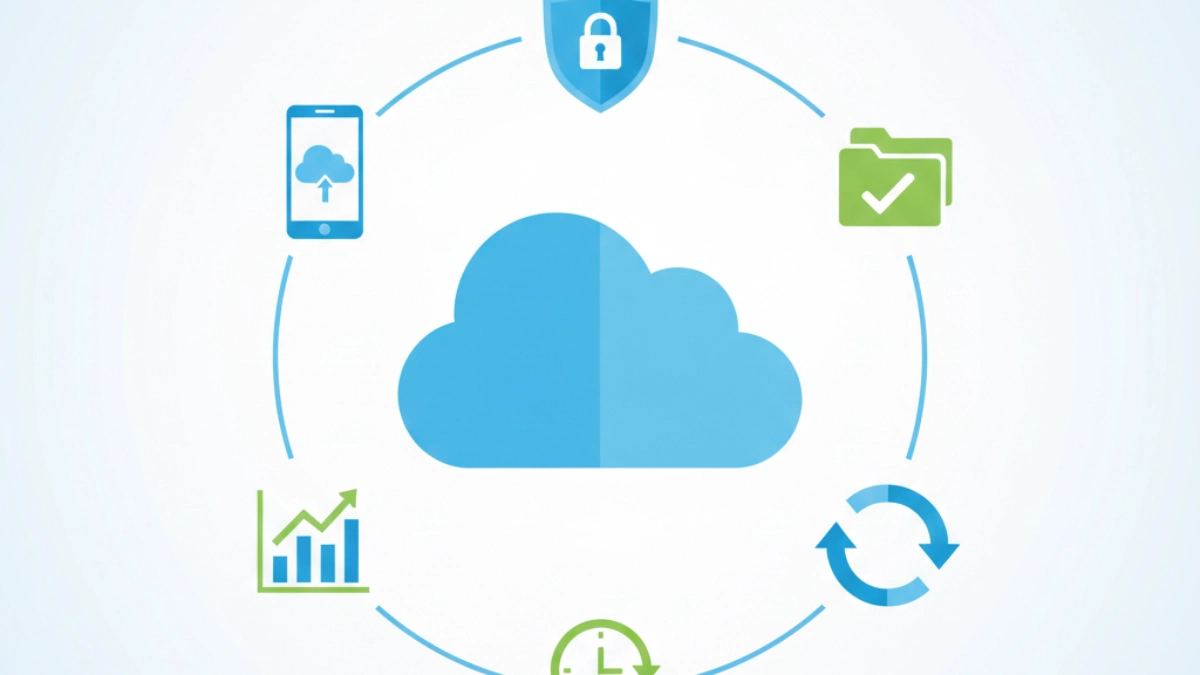 It would be prudent to know the reason why the digital storage of documents is useful before being educated on the process.
Key Benefits:
Reduced physical clutter
Anytime rapid access to the documents
Easier sharing with others
Improved organization
Improved long life conservation
Enhanced productivity
Now we will discuss practical and reliable ways one by one.
Adequately Scan Paper Documents and Then Save Them in Digital Form
The initial process of digitizing the documents is to ensure that you scan your paper documents to a digital format.
The process of scanning step by step is as follows:
Apply a trustworthy scanner or scanning application on the phone
Lay documents on a flat and proper position
High resolution (minimum 300 DPI) scan
Store the files in PDF format so that it can be used universally
Check scanned files against unintelligibility
The clarity of scanning makes it possible to have a digital copy that is professional and readable.
For best practices on document scanning and digital preservation, you can also review guidance from the National Archives:
Choose the Right Type of File to Use in Storing Digital Documents
When putting documents digitally in a file format, it is very crucial to select the right type of file.
Common File Formats:
PDF – The most suitable in official documents
DOCX – Editable text documents
JPEG/PNG – Image documents
XLSX – Spreadsheets
The PDF format is highly suggested due to its format preservation and cross-compatibility. You can learn more about PDF standards from Adobe’s official guide:
Establish a Defined and Systematized File System of Digital Files
The basis of digital storage is organization.
Keep your documents in different folders when putting them digitally.
Example Folder Structure:
Personal Documents
ID Records
Certificates
Financial Papers
Work Documents
Projects
Reports
Contracts
Education
Notes
Assignments
Research
The prices are sorted into a system of folders that save time and removes confusion.
File Naming Convention Use Good Conventions
File names are random, hence hard to retrieve.
A uniform and systematic system of file names will help to keep a check on digital files.
File Naming Formula:
DocumentNameDateCategory
Example:
TaxReport2025Finance
ProjectProposalJan2026Work
This has made files searchable and orderly.
Take into Account Cloud Storage to Store Electronic Documents
You can access files in a variety of devices using cloud storage.
When you store your documents online on a cloud storage:
Documents are available anywhere
Information cannot be lost when your computer is destroyed
Sharing becomes easier
Steps to Use Cloud Storage:
Sign up on a reputed cloud computing solution
Upload organized folders
Enable syncing
Review storage settings
The cloud storage brings flexibility and convenience to the management of digital documents.
Save Your Digital Documents by Doing Backup File Regularly
The development of regular backups is a critical step to a secure digital storing of documents.
Digital files may be lost on account of:
Device failure
Accidental deletion
Malware
Software corruption
Reliable Backup Methods:
External hard drives
USB storage
Secondary cloud accounts
Backup Rule:
Follow the 3-2-1 method:
3 copies of important files
2 different storage types
1 off-site backup
Backups are performed regularly, which minimizes risks and ensures greater document security.
Protect Confidential Data in Storing Documentation Online
One needs to have security when dealing with personal or financial records.
To store documents digitally in a secure way, make sure to consider:
Strong passwords
Two-factor authentication
Encrypted storage options
Restricted rights of sharing
It is advisable not to leave vulnerable information on unsecured or communal gadgets.
Digital security does not imply coming up with unrealistic attempts. Rather, it entails the use of real-life and uniform safety precautions.
Audit and Clean Your Online Storage
Once documents have been stored in computerized form, it is also necessary to maintain and organize them.
In the long-term, files may get obsolete or redundant.
Monthly Checklist on Maintenance:
Delete duplicate files
Archive old documents
Rename unclear file titles
Review folder organization
Check backup status
Maintenance makes your system lean and free.
Mistakes to Keep in Mind When Putting Documents Digitally
With good intentions, mistakes are committed.
Avoid:
Leaving files without classifying them
Using unclear file names
Ignoring backups
Saving all things in a single folder
Unremembering of security settings
It is possible to avoid such mistakes so that results will be reliable in the long-term.
How Businesses Can Efficiently Manage and Store Documents Digitally
Businesses benefit significantly when they Store Documents Digitally.
Advantages include:
Faster document retrieval
Better collaboration in the team
Reduced printing costs
Less difficult compliance management
Documents are centrally available
The use of effective document management system enhances efficiency of workflow.
How the Students Can Keep and Store Their Documents Online
Students can also benefit when they Store Documents Digitally.
Helpful practices include:
Different folders according to subject
Saving lecture notes as PDFs
Arranging tasks on a semester basis
Funding research studies
It makes studying easier with no or less examination preparation and academic records.
Long-Term Strategy to Store Documents Digitally
Developing a long-term system will need uniformity.
Best Practices:
The same folder structure is used
Have regular rules of naming
Schedule monthly reviews
Keep multiple backups
Enhance storage where need be
Punitive policy brings about consistency in the long run.
Electronic vs Paper Based Document Storage
Although physical documents are not useless, digital storage has a number of benefits.
Digital Storage Advantages:
Searchable files
Instant sharing
Space-saving
Reduced paper usage
Better organization
But, some of the original documents might still require physical preservation. Digital copies serve as backup systems.
Conclusion
Knowing how to store documents digitally has become a highly valuable skill in today’s fast-moving digital age. It assists individuals and companies in being organized, clearing of clutters, and safeguarding valuable records.
These eight simple and efficient measures, which scan effectively, choose the proper format, organize folders, name files similarly, use cloud storage, frequently back your data, and keep sensitive data locked up, and maintain your system in good condition can bring a trustworthy system to store digital documents.
The digital organization is also not intricate and unrealistic promise. It must concern form, order and regularity. Start small, and apply these methods in small steps and create an efficient and safe digital document system step by step.
FAQs
What is the safest way to Store Documents Digitally?
The combination of a well-organized folder system, reliable cloud storage, the use of passwords, and periodic backup is a combination that can ensure your digital files are completely safe. The 3-2-1 backup rule is provided so that this is a guarantee of additional security and the opportunities of losing data are reduced.
Which file format is best to Store Documents Digitally?
The most widespread digital file format to store documents is PDF because it does not alter the original presentation and can be utilised in almost any type of device. DOCX or XLSX formats may also prove useful to make the documents editable.
Is cloud storage necessary to Store Documents Digitally?
Not only is it not compulsory to store your documents in the cloud but it makes the process of storing and accessing documents extremely convenient as well as provides an option to have a backup in case your computer or phone is destroyed.
How often do you make upkeep of documents that are stored in digital form?
It is recommendable that files of importance be backed up at a minimum of one time after a month. To be on the safe end, it is prudent to perform weekly backups in case documents are continually modified. The storage of the digital documents is to be secured through backups.
Can businesses Store Documents Digitally instead of keeping paper files?
Admittedly, many companies today store their documents digitally to save space, ease the process of accessing files, and improve the overall productivity and workflow. However, the cases of legal documents that may require hard copies are still present according to the norms.
What are the ways of organizing files to store the online documents?
To be as safe as possible in the process of storing documents electronically, an organized file system, a reliable cloud storage, a strong password, and frequent backups are a combination that should be used.
Is it expensive to Store Documents Digitally?
It does not have to be expensive to Store Documents Digitally. Several storage facilities are provided including free and cheap. It has nothing to do with costly tools but organization and frequent servicing.
What are the errors that ought to be employed by individuals in a digital storage of documents?
The pitfalls in the most common situations are lack of proper naming of files when one is saving them, lack of proper backups and not keeping all the files in one folder and lack of protection of sensitive files. Such mistakes are preventable, and, therefore, the digital organization that will arise in the future will be more successful.